09
Library: media, templates and links
Keep the images, videos, message texts and links you use again and again in one place.
Media
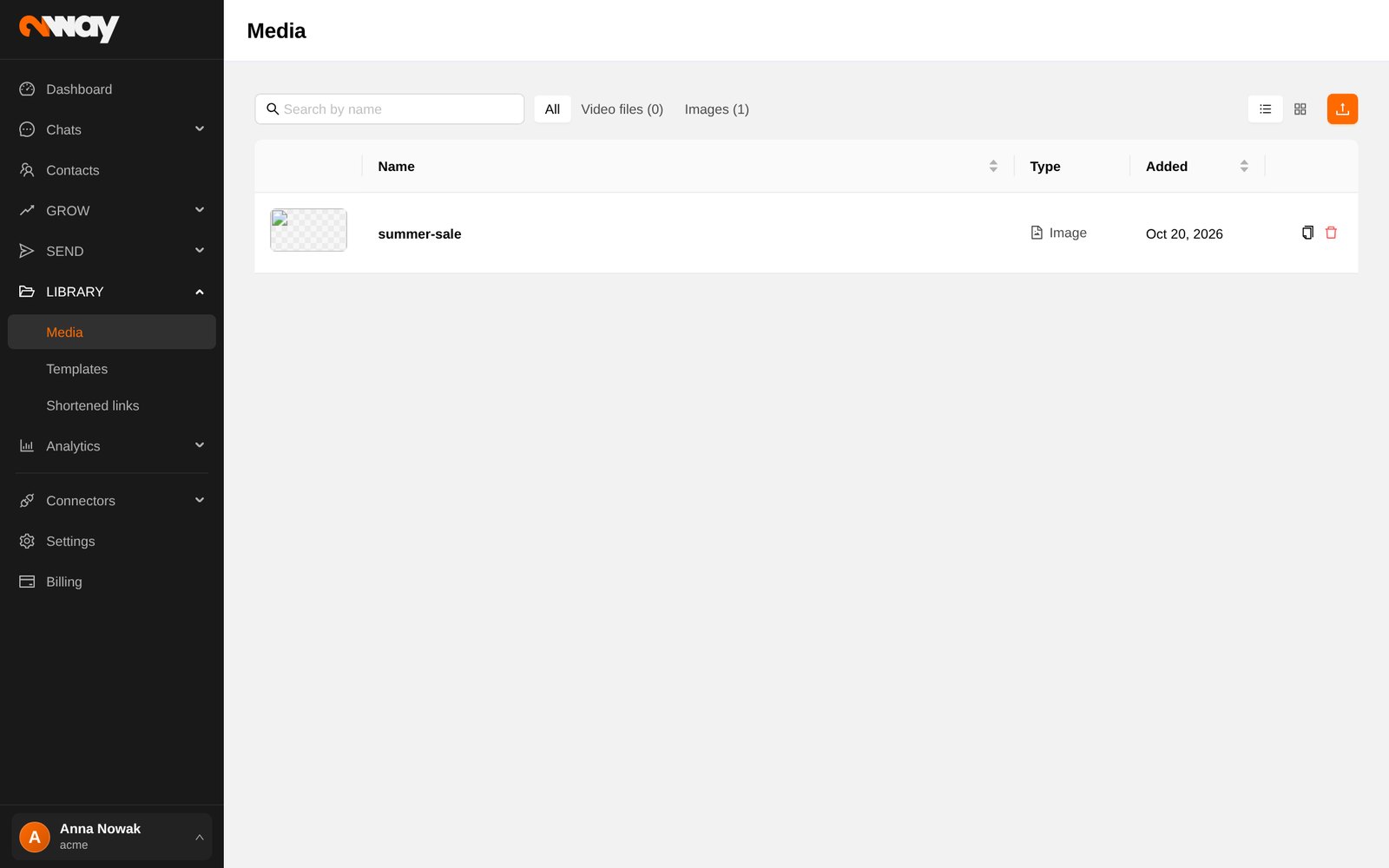
Upload images (PNG, JPG, GIF, WebP) for forms and MMS, and videos (MP4, MOV) to share in messages. Upload from the computer or from your phone by scanning a QR code. A video gets its own player page with an optional call-to-action button, for example “Shop now”, shown from a chosen second.
Templates
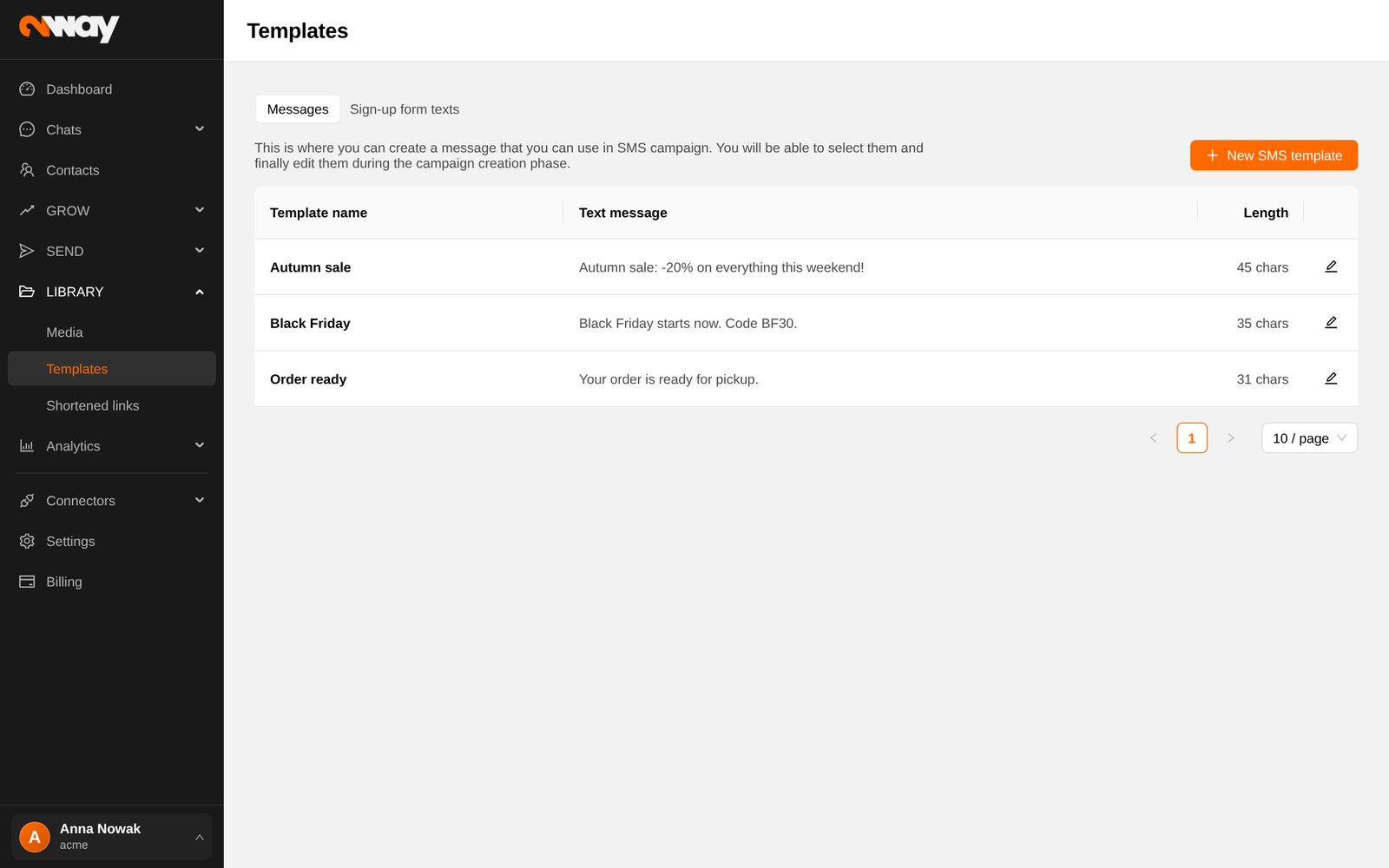
Save messages you send often as SMS templates, including shortened links and videos, and pick them in a campaign with From template. The Sign-up form texts tab keeps the wording of your forms per language.
Shortened links
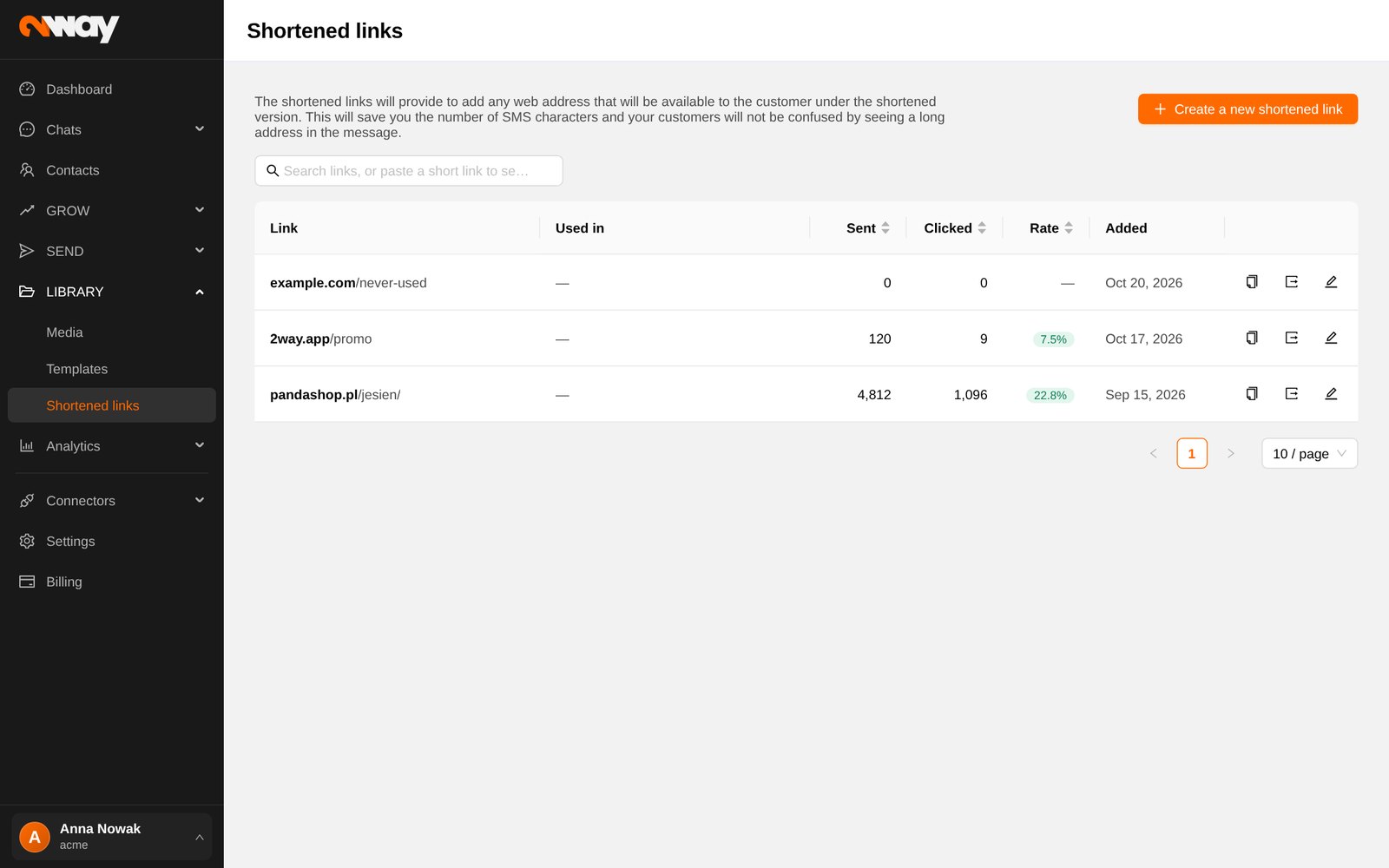
Links in messages are shortened automatically and every recipient gets their own code, so you see who clicked and when. For each link you see clicks, the click rate, clicks per day, recent clicks and the campaigns that use it.
- Change destination redirects the link for messages sent from now on; useful when a promo page moves.
- Shareable link gives you one short link (and a QR code) to post anywhere, e.g. in social media.